
Features / Backlinks Report
Backlinks Report
The report also keeps track of new and lost backlinks, which lets you respond quickly and keep your backlinks strong. ESO helps you make better decisions about your overall SEO strategy by giving you detailed data and automating reports.

Backlinks Summary
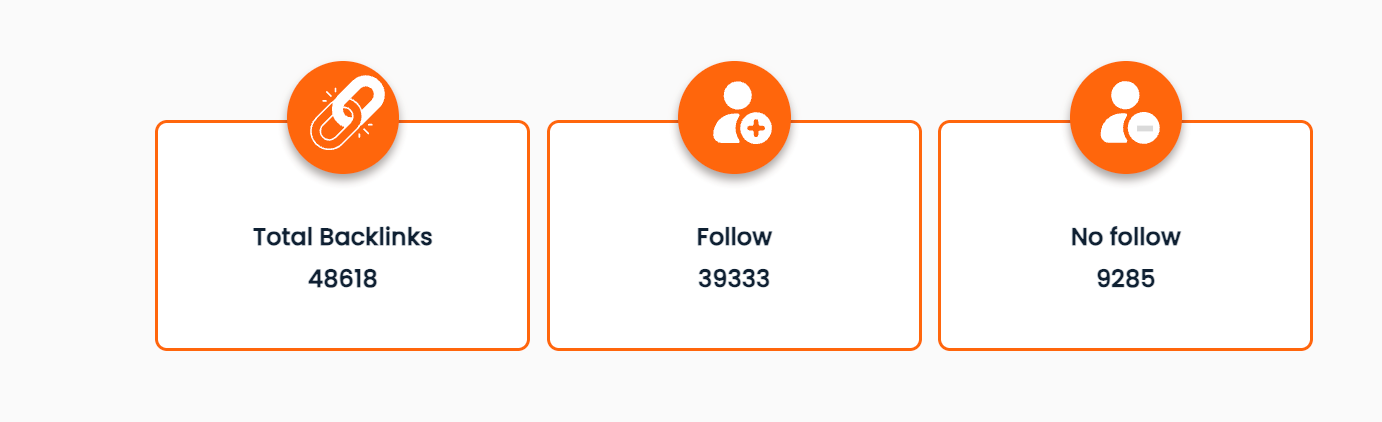
- This report provides various types of backlink data, including the type (Follow vs. No-Follow), sources (Educational Websites, Government Websites, Referring Domains), total number of backlinks, the number of new backlinks, and the number of lost backlinks. This overview allows you to quickly evaluate the health and growth of your backlink profile.

Backlinks Research


New / Lost Links
The Lost Links part shows backlinks that were previously pointing to your website but are no longer active. Links may be lost if the referring page is removed, the backlink is deleted, or the linking website changes its page structure. Monitoring lost links helps you recover valuable backlinks, fix broken pages, and maintain a strong and stable backlink profile that supports your SEO performance.
Linked Domains
The Linked Domains section in the ESO tool gives detailed insights, including the domain name and its Domain Authority (DA) score with total backlinks acquired, number of Follow links acquired, and the first seen date. This helps website owners evaluate the strength and credibility of their backlink profile effectively.
These insights help website owners evaluate the diversity, strength, and credibility of their backlink profile more effectively.

Backlinks Trend
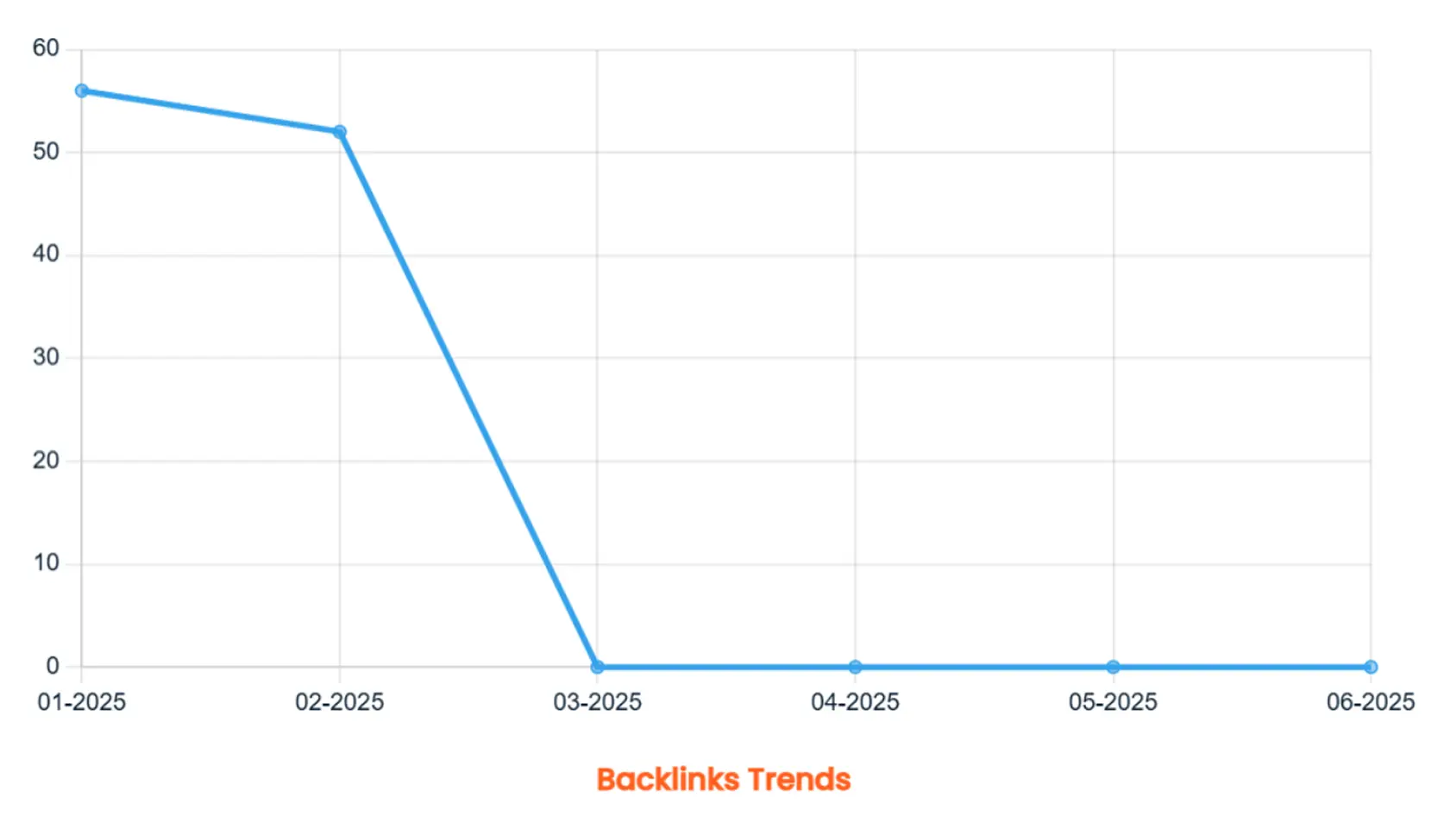
With graphs comparing your site to competitor websites and a dedicated dashboard showing backlink changes over the past 6 months, you can easily spot backlink trends. This historical data helps identify what’s working—and more importantly, any negative drops—so you can take action to protect your SEO performance.
Competitor Backlinks

Benefits of ESO Backlinks Checker Feature
You can make sure that your website is of high quality, relevant, and has good SEO value by keeping an eye on and analyzing its backlink profile. This will help it rank higher in search engines and get more organic traffic. By monitoring backlinks regularly, you can identify new opportunities, remove harmful links, and maintain a strong and trustworthy link profile. This will help it rank higher in search engines and get more organic traffic.
Get To Know More About The Backlinks
Backlinks are links that connect one website to another. They are important for search engine optimization (SEO) since they indicate to search engines the legitimacy and relevancy of a webpage.
The Backlinks Summary offers insights into your website’s SEO performance, including Domain Authority (DA) and Page Authority (PA) scores that indicate strength and ranking potential. It details the total number of backlinks and unique referring domains, highlighting visibility and credibility, and counts unique referring IPs for source diversity. The report breaks down follow vs. no-follow links, tracks high-quality backlinks from educational (.edu) and government (.gov) sites, lists the top 10 referring domains for strategic partnerships, and provides counts of new and lost backlinks that may impact authority and ranking.
Domain Authority (DA) is a statistic used to assess a website's ranking potential in search engines based on backlink quality and quantity.
Page Authority measures the total number of backlinks to a webpage and the quality of those links, indicating its ranking potential in search engines.
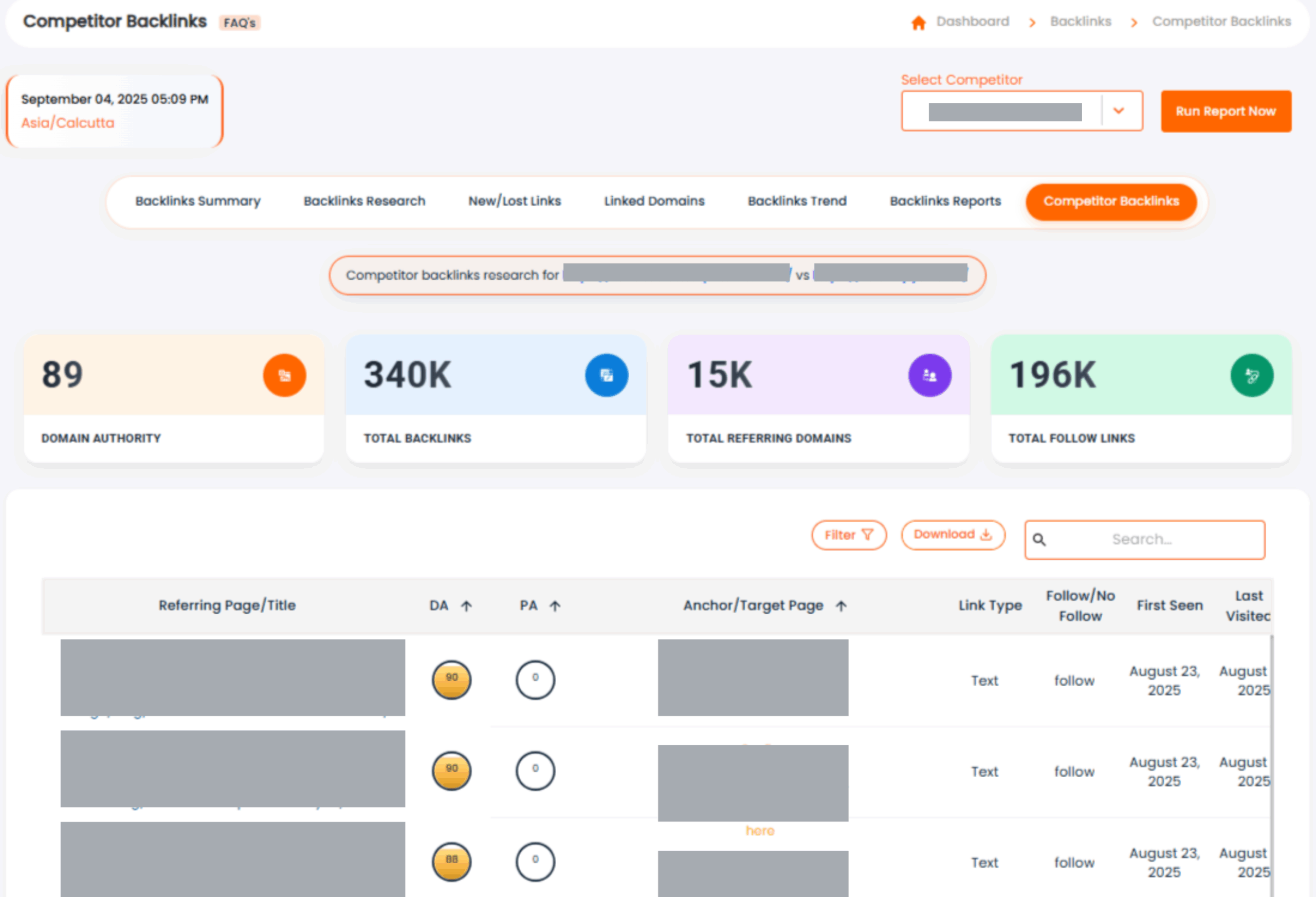
This report provides the data for the total number of backlinks available for the website and your competitors for the recent crawl date. It also provides the number of follow and no-follow links to it.
It is the number of unique domains that link to a target website.
A Backlinks Report provides insights into the websites linking to your site, including the total number of backlinks, the domains referring to your site, the anchor texts used, the type of backlinks, and the specific pages on your site receiving those links.
You can download the summary of the report in PDF and CSV format. The detailed report of a single web page can be downloaded in PDF format.
Sometimes, the website's server firewall, defenders, and security plugins implemented may affect Elite Site Optimizer from crawling the website and generating reports. To avoid this situation, Elite Site Optimizer's crawler IPs should be whitelisted in the website's server firewall, defenders, and security plugins implemented for the website
- 1) 44.240.233.25
- 2) 35.82.149.10
Please add the following IPs in your firewall: